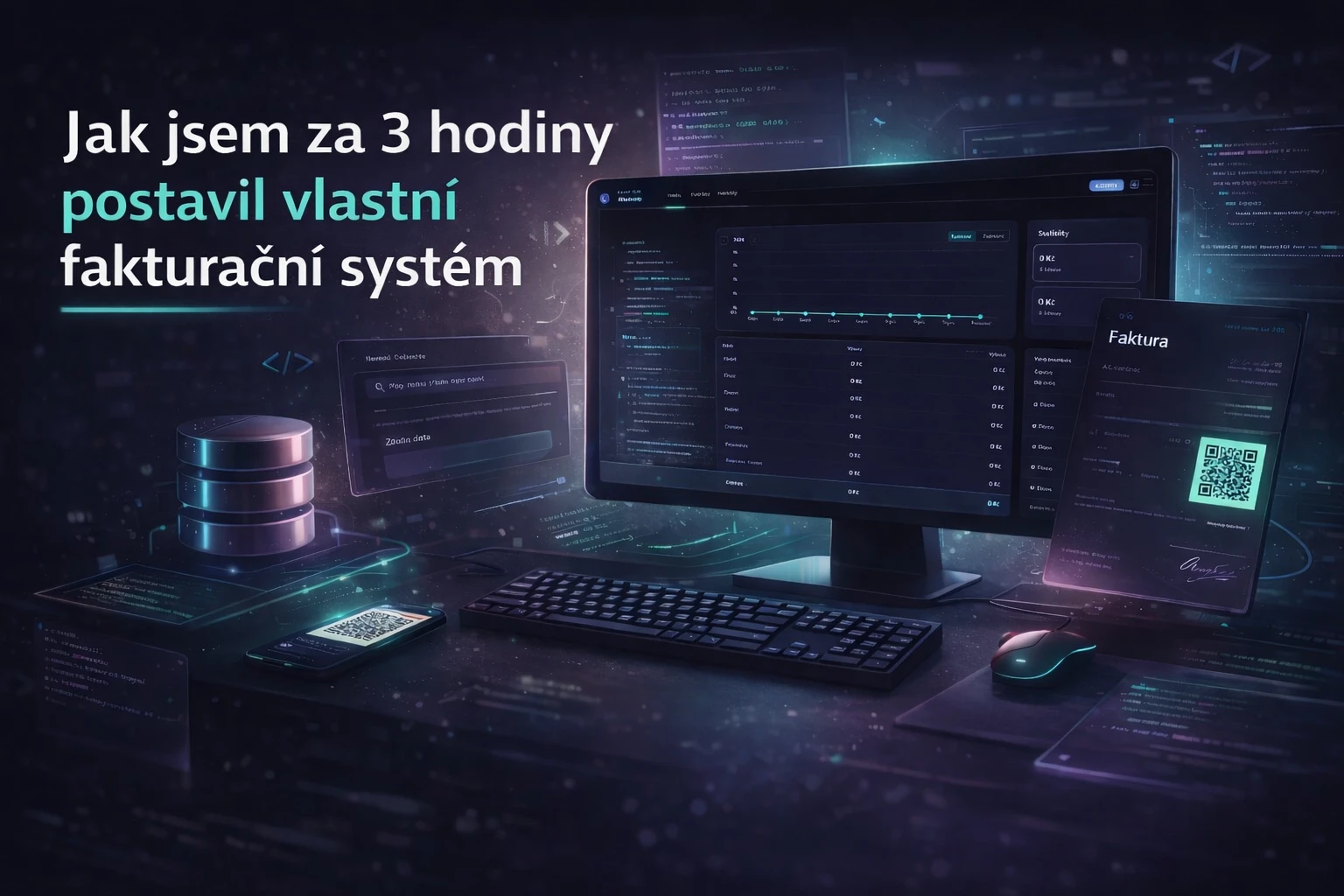
How I Built My Own Invoicing System in a Few Hours
Invoicing. The necessary evil of every freelancer. One day I thought: what if I built it myself? Not because I know how to program — but because I have Claude.
What is vibe coding?
Vibe coding is an approach where you don’t dictate every technical detail to the computer, but instead describe the intent. You don’t write code line by line — you explain what the application should do, how it should behave, and how it should look. AI (in my case Claude) translates that into working code. You steer the direction.
It’s like having a senior developer on call 24/7. It never gets tired, never gets annoyed, and never says after the third iteration that “it can’t be done.”
What I built
PromptLab Invoicing is a full-featured invoicing system — a web application running locally on my computer. No subscriptions, no cloud, no sending data to third parties.
Invoices
- Create an invoice in about 30 seconds (client, items, due date)
- Automatic numbering in the format FV-2026-0001
- One-click PDF including QR payment code and signature
- Send invoices by email directly from the app
- Status flow: Draft → Issued → Paid (or Overdue)
Clients
- Client database with addresses, company ID (IČO) and VAT ID (DIČ)
- ARES integration: enter the company ID and the app automatically fills company name, address and VAT ID
Statistics and overview
- Invoice overview by months, quarters and year
- Quick receivables overview (who owes what)
- Graphical revenue visualization
Technical stack
I didn’t write the code manually, but I still want to know what it runs on:
- Frontend: Next.js 16 + React 19 + Tailwind CSS 4
- Backend: Node.js + Express 5 + TypeScript
- Database: SQLite via Prisma ORM
- PDF: pdfkit
- Email: nodemailer
- Charts: Recharts
- Validation: Zod
- ARES API: ares.gov.cz
- QR payment: generated according to the CZ QR/SPD standard
The frontend and backend communicate via REST API. Data stays locally in a SQLite file. No hosting, no external server, minimal compliance stress.
What the process looked like
I didn’t start with architecture or a database schema. I started with a sentence:
“I want an invoicing application inspired by common accounting software. Dark design, green navbar, basic CRUD for invoices and clients.”
Claude suggested the structure and I approved the direction. Then I iterated:
- “Add ARES integration — automatically fill company details by company ID.”
- “Generate a PDF with a QR payment code.”
- “I want statistics — a bar chart of revenue by month.”
- “Redesign the UI to match the PromptLab style: dark, cyan, purple.”
Each step took minutes, not days. My job wasn’t writing syntax but deciding on features, priorities and the final UX.
What surprised me
The ARES integration was trivial. One endpoint, one JSON, done.
QR payments worked immediately. The standard is clearly defined and AI assembled it correctly.
Design is mostly about description. I showed the visual direction and within minutes the app had a new look.
What vibe coding is not
It’s not magic where you just say something and everything is done. You still need to know what you want. The more precisely you describe the outcome, the better code you get.
At the same time it helps to understand the basics of what’s being created. Not so you can write it yourself — but so you can judge whether it makes sense and whether it’s safe.
Conclusion
The entire project — backend, frontend, database, PDF generation, email, ARES integration and redesign — was built using vibe coding. No nights spent over documentation and no classic “copy-paste debugging”.
I now have an application tailored exactly to my needs. No subscriptions. Data stored on my own disk. This is vibe coding in practice.